
Serendipity
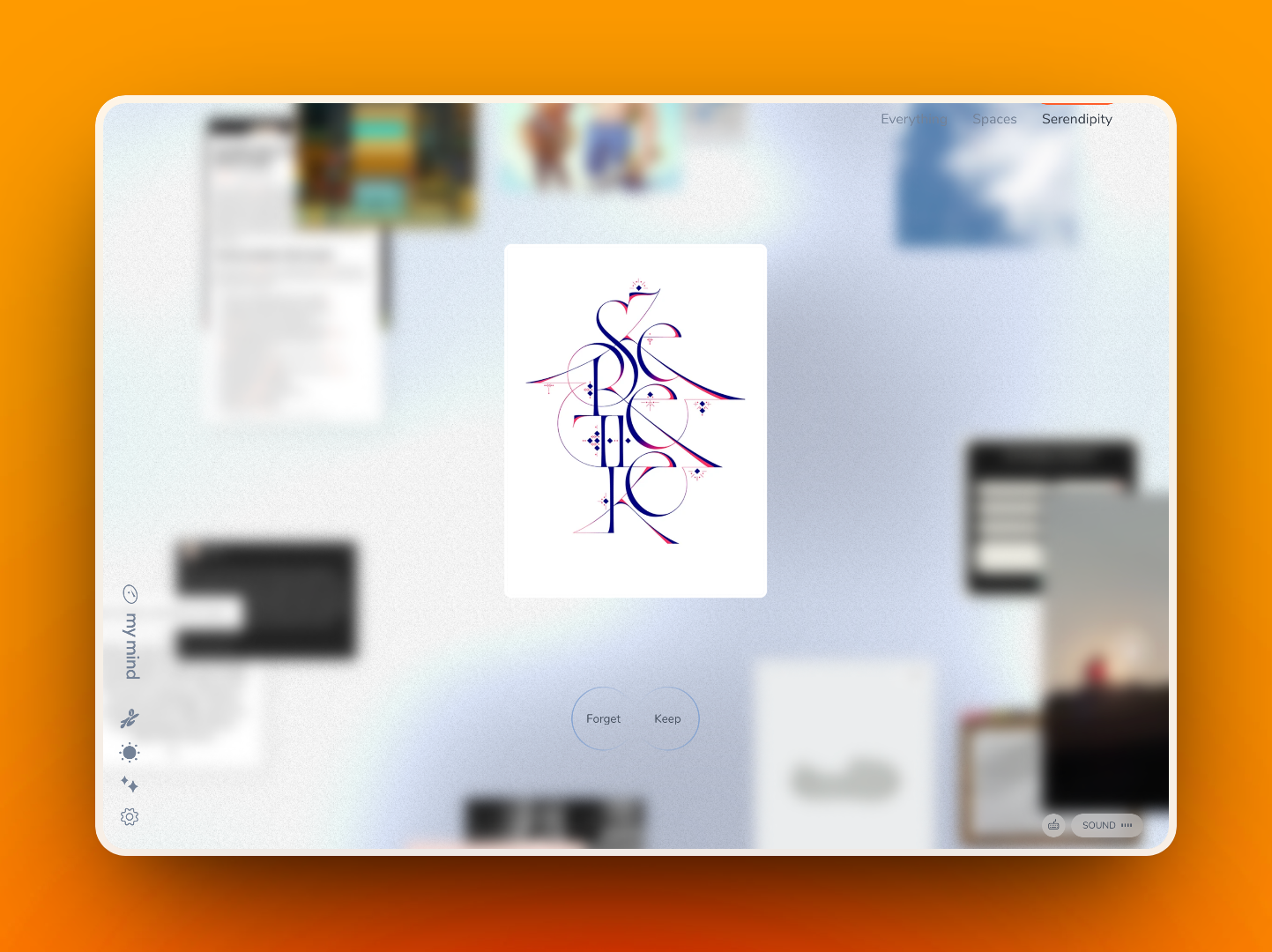
Serendipity allows you to take a moment to browse your saved thoughts, ideas and inspiration in mymind. Discover forgotten gems, remove clutter and experience serendipity within a simple, 2-minute experience.
NOTE: This feature works best if you already have a good amount of cards save to your mind. If you're just getting started with mymind, try it out a little later once you've saved more.
On desktop, start by clicking 'Serendipity' in the top right corner of your mymind browser app.
On mobile, tap the Serendipity tab at the bottom right.

Then simply choose to keep or discard each item that resurfaces from your mind. If the card is no longer relevant or important to you, discard it. If it is, keep it where you can easily find it again later in your mind. You can expand a card within this experience to add new notes or tags.
Shortcuts
- Forget a card: ← (Or swipe left on mobile)
- Keep a card: → (Or swipe right on mobile)
Recovering cards you discarded
If you accidentally discard an item you actually want to keep, just search Trash and hit enter in your mind. You can then click any cards to restore them.