
Vibe Search
You can't always name the exact vibe you're after while creating a moodboard or looking for a specific reference in your mind.
But you can describe it.
˗ˏˋ That's what VIBE SEARCH is forˎˊ˗
A new Research Lab feature, aka it's in beta!
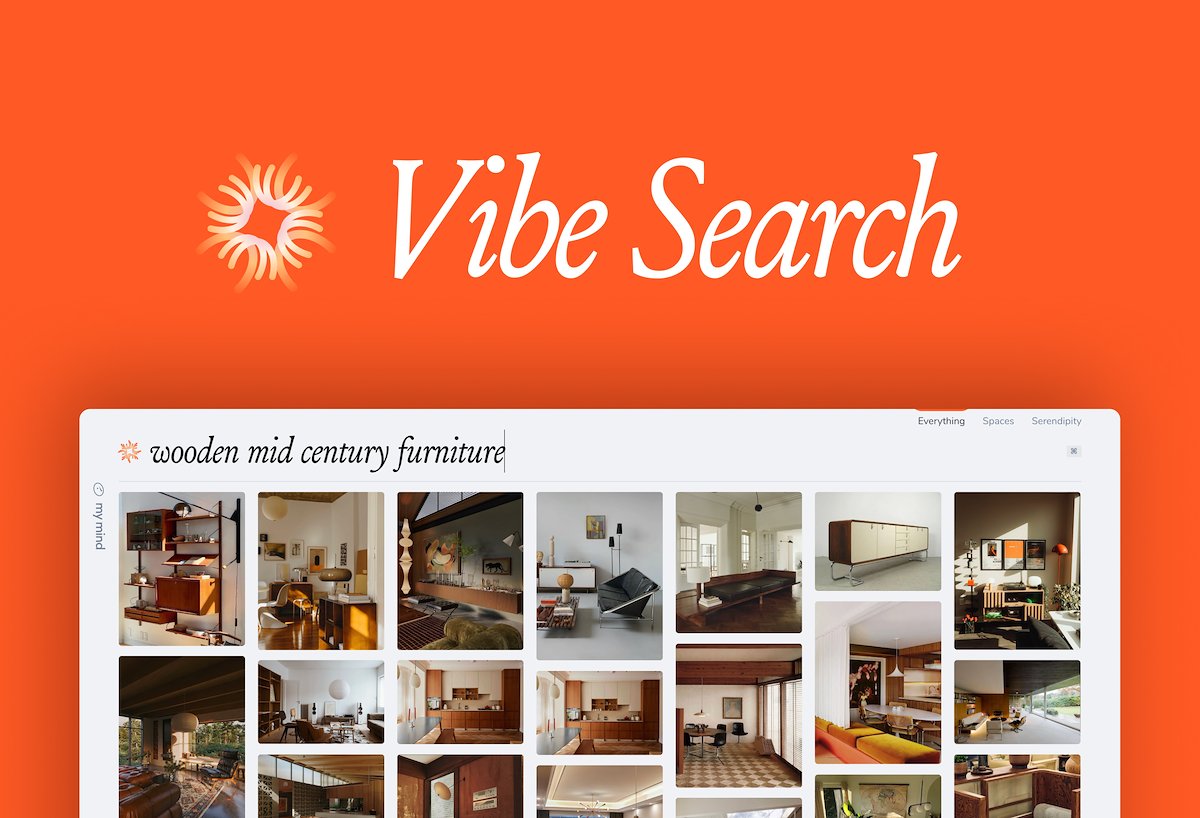
For example:
✦︎ You've been saving interior design inspiration for your new apartment. You have no idea what the style is called, but you know it felt warm, with wood interiors and textured surfaces. Describe it to mymind and it fill find the vibe.
✦︎ You're preparing a post about finding presence in a distracted world, and know you've saved lots of memes and images related to this. You can't remember any specific words, so you just describe the theme to mymind.
✦︎ You're designing a deck for a client and need some inspiration that matches the brief. Because you've been building your secret repertoire of inspo all along, you type "branding with a youthful vibe" into Vibe Search and have an instant moodboard to help you find your direction.
Vibe Search is basically Same Vibe backwards. Instead of doing a search based on a specific image, you're searching for those images with specific details you describe - the more detailed and emotional, the better.
It's still in beta and available on desktop only for now. The success of your Vibe searches also depend on what you've saved to your mind, and how much you've saved. The more you have, the better the results.
HOW TO ENABLE IT: Go to your account settings and enable the RESEARCH LAB toggle. From then on, you should have a lovely little visual in your search bar to change between regular search and vibe search. Try it out and see the difference.
Otherwise, keep saving what you notice and trusting it will find its vibe when the time is right.